One login
People reach the private tools through a shared identity model instead of learning a different access story for every service.
One private place
Platform Zero gives your team one private suite for login, docs, files, chat, notebooks, dashboards, automation, monitoring, and specialist tools. Use it when you want a clean operating layer from day one, not ten separate products stitched together later.
The brief asks for five things: roles, workflows, first modules, tools that stay outside, and the person who reviews the repo. Business readers see the suite here; technical reviewers inspect the build in GitHub.
Name the work the suite must contain before arguing about individual apps.
Give technical reviewers the build contract without turning this page into docs.
What you get
People reach the private tools through a shared identity model instead of learning a different access story for every service.
The suite is assembled from manifests, modules, generated files, and deploy scripts, so it has a real operating shape beyond the screenshots.
Choose the tools that belong together for the work: knowledge, communication, files, dashboards, automation, notebooks, media, search, alerts, and operations.
Use it when
Give the team one place to work across docs, files, chat, planning, dashboards, notebooks, alerts, and operational tools.
The first module establishes login, deployment, monitoring, and review habits before more services are added.
Pick services because they create a useful operating surface together, not because each app won a separate procurement argument.
What is included
The page stays business-readable. The proof path stays technical: shared identity, generated deployment, selected service modules, monitoring, visual evidence, and repository docs.
Selected services join the same login pattern, so the suite feels like one environment instead of unrelated products.
Build from a manifest, sync the generated output, deploy it, and verify the result from a repeatable contract.
The generator stays generic while credentials, module locks, activation choices, and private overrides stay outside it.
Readiness checks, service evidence, and visual captures make the running suite easier to inspect.
Add knowledge, files, dashboards, automation, collaboration, search, media, notebooks, and site-specific tools where they serve the workflow.
Technical stakeholders can inspect the source, module contracts, manifests, docs, and scripts in GitHub.
Proof without theatre
Platform Zero is a private operating suite made from a shared login layer, external site configuration, module-based services, deploy scripts, monitoring, and verification.
The public repo shows the generator, docs, module catalog, source layout, build entry point, deployment contract, and verification flow.
No invented ROI, fake customer logos, uptime theatre, or certification language. Those claims need site-specific evidence before they belong on the page.
Captured web UIs
This is not a logo wall. Each image is a browser-facing capture from the Latium visual test assets, grouped so a business reader can see what kind of operating surface the stack can contain.
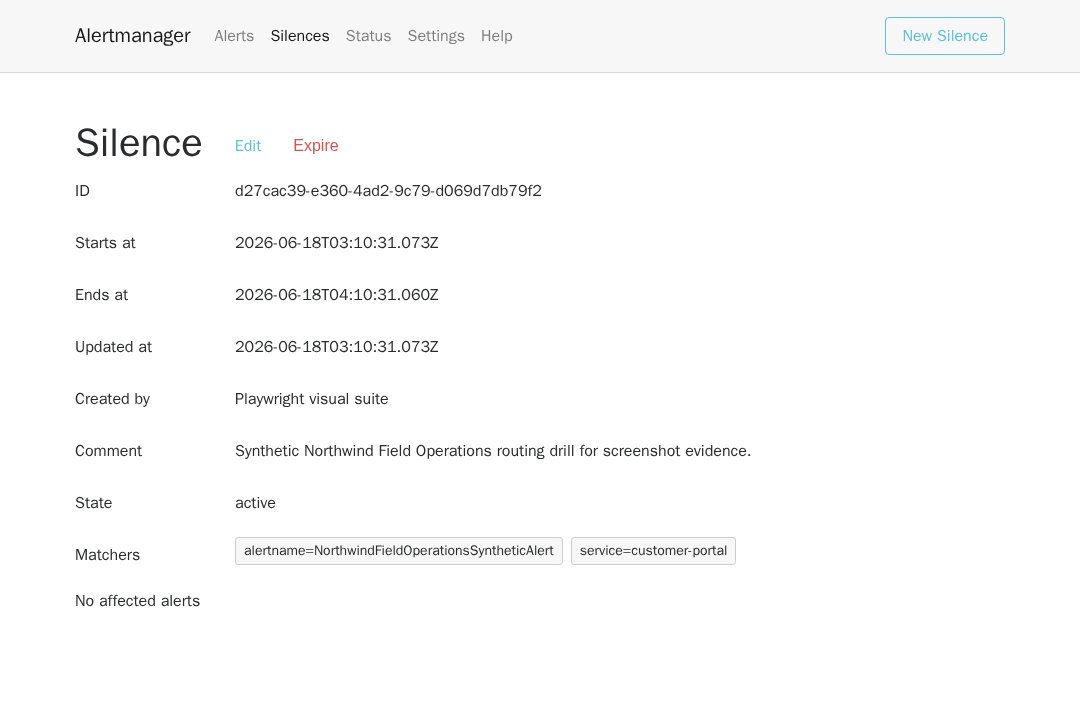
Routes operational alerts into a business-readable workflow for acknowledgement, grouping, and silence windows.
Authenticated alert routing UI with live alert state and operator controls.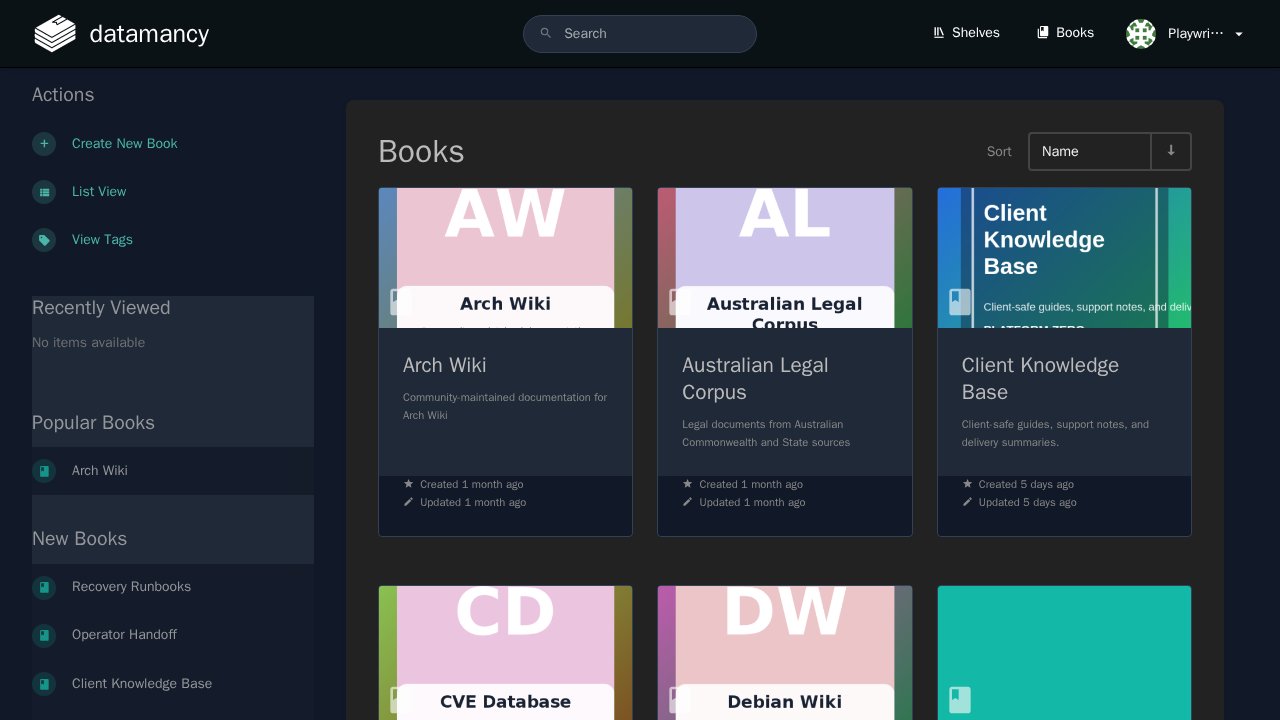
Knowledge base and procedural documentation.
Authenticated documentation workspace.
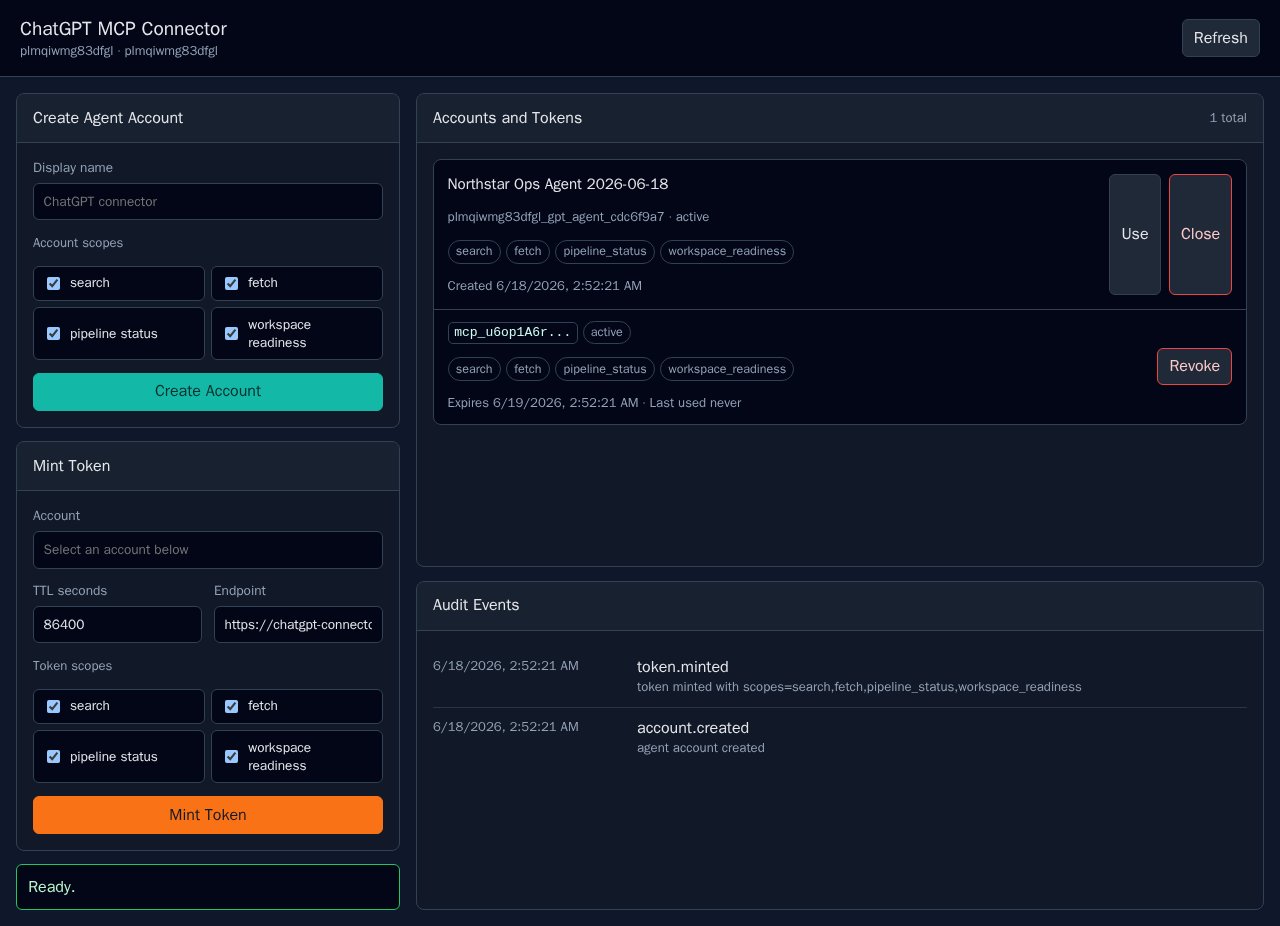
Controlled connector surface for model-context workflows.
Authenticated connector UI.
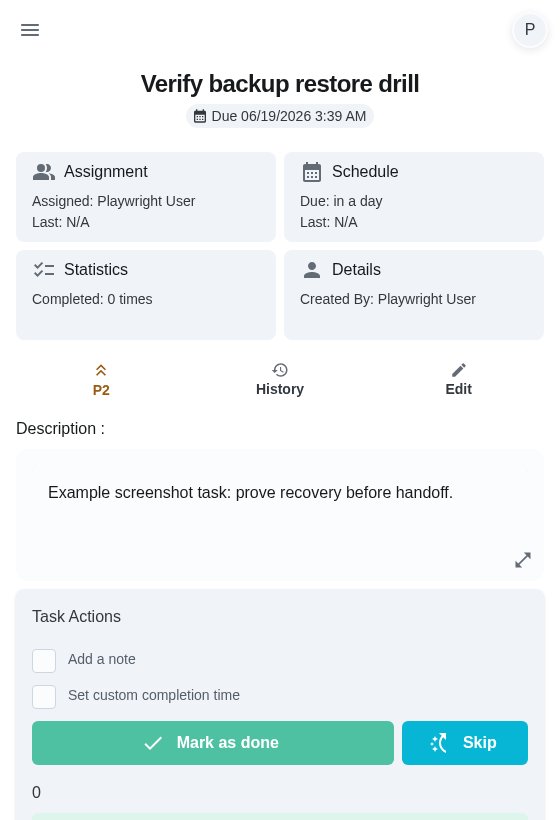
Shared chores, task routines, and recurring operational work.
Seeded recurring task with assignment, schedule, notes, and action controls.
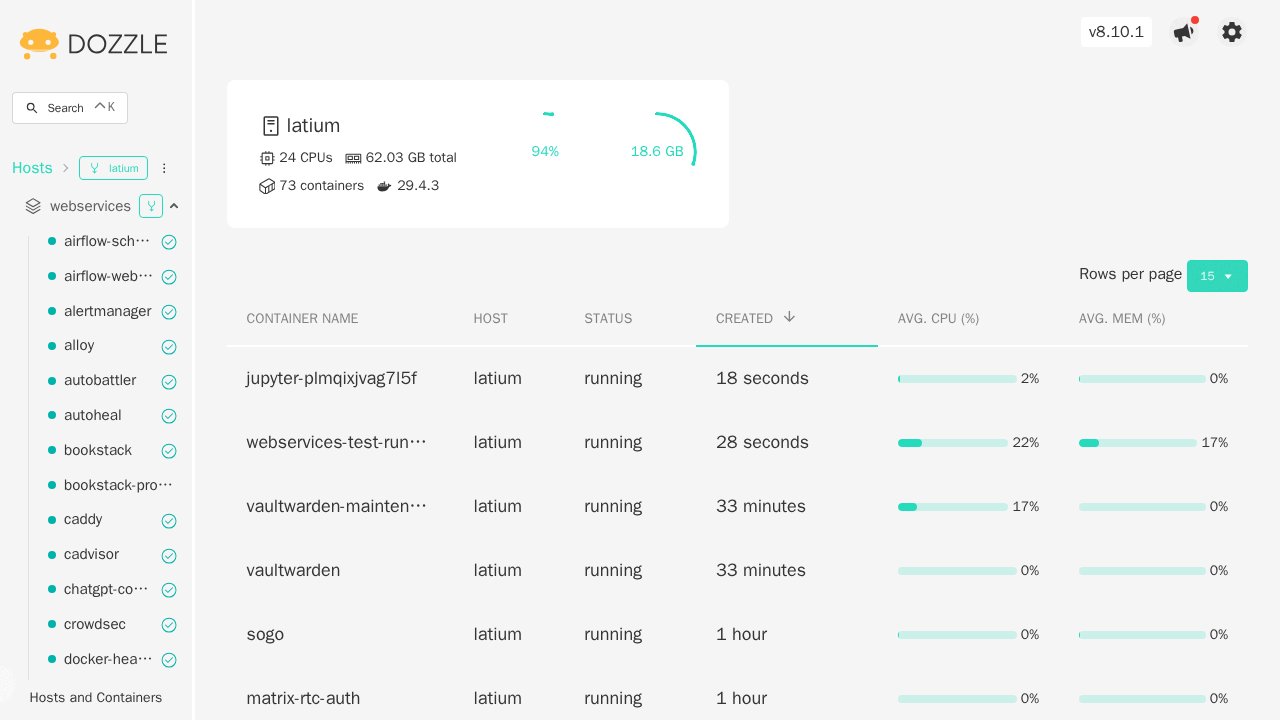
Container log viewing for operators.
Live container log UI.
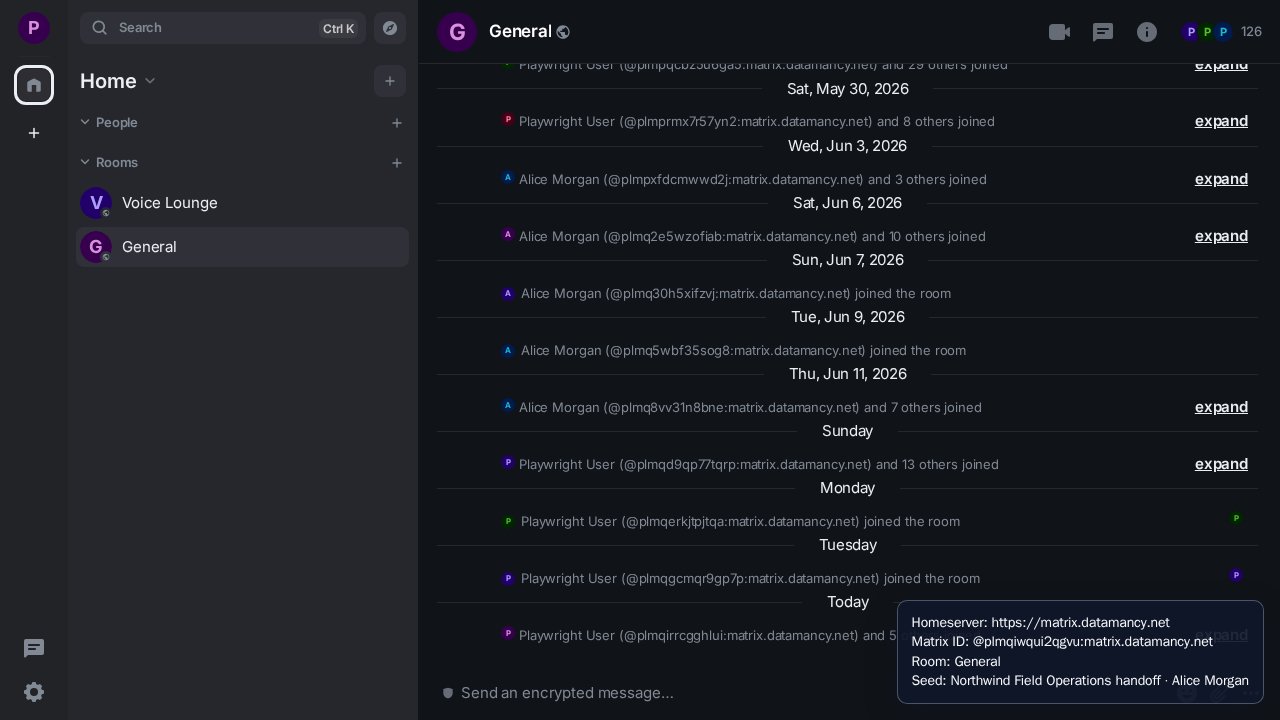
Team messaging front end for Matrix-backed communication.
OIDC-authenticated messaging UI.
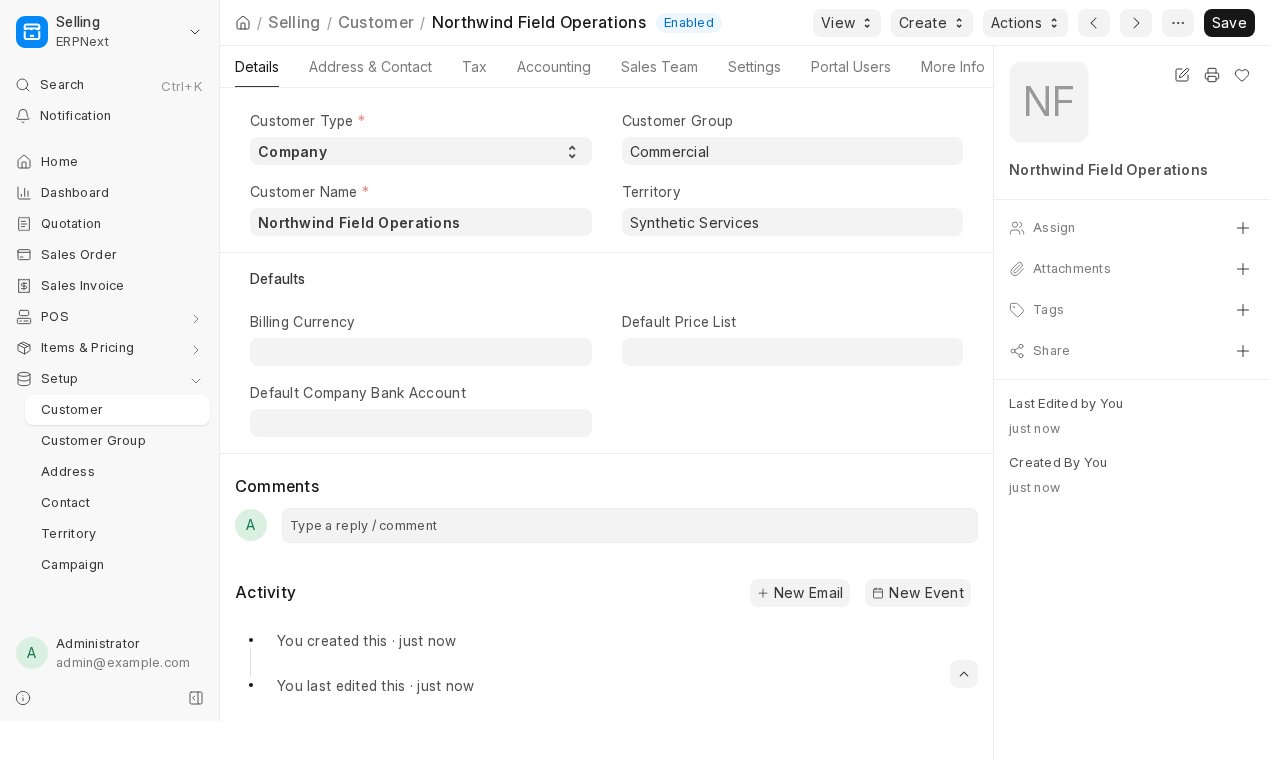
Business operations, records, and workflow management.
Seeded customer record for synthetic field-operations account work.
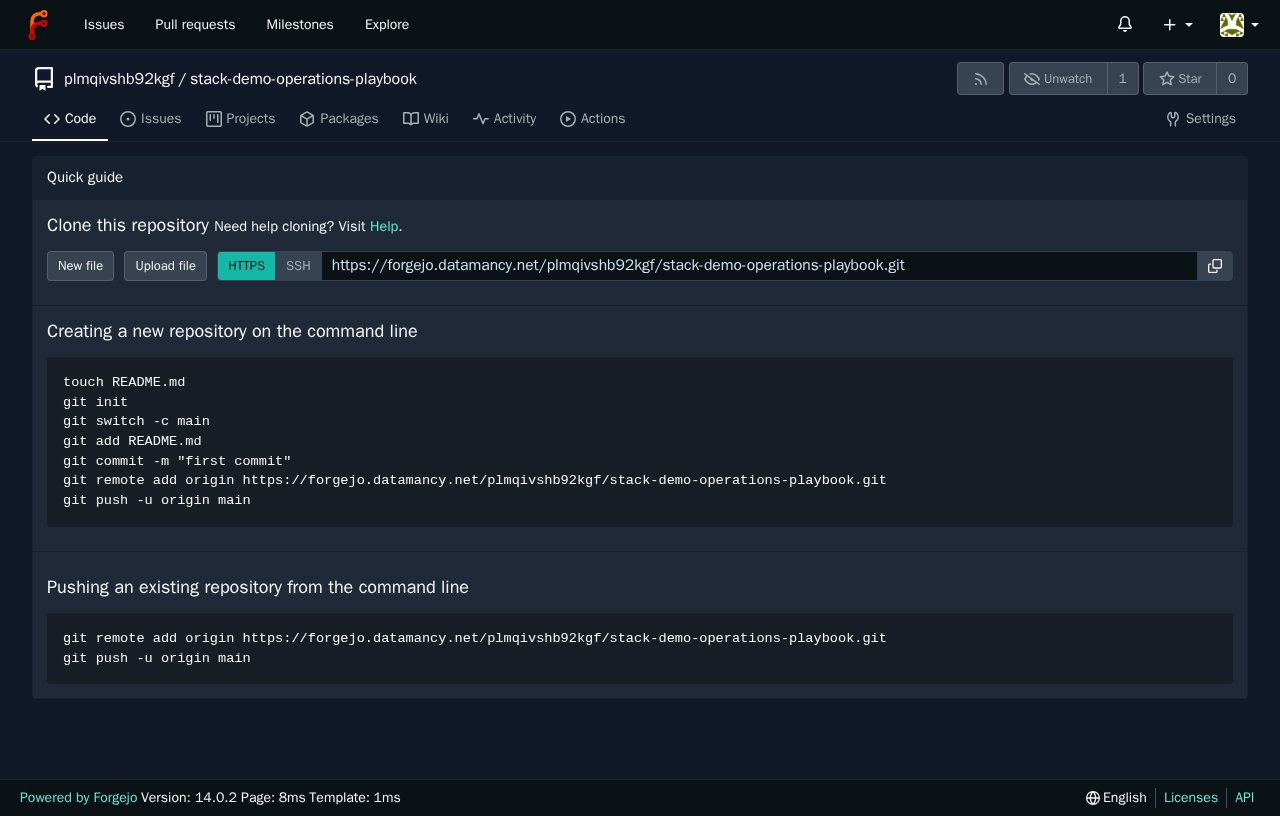
Private code hosting and repository collaboration.
Seeded repository capture.
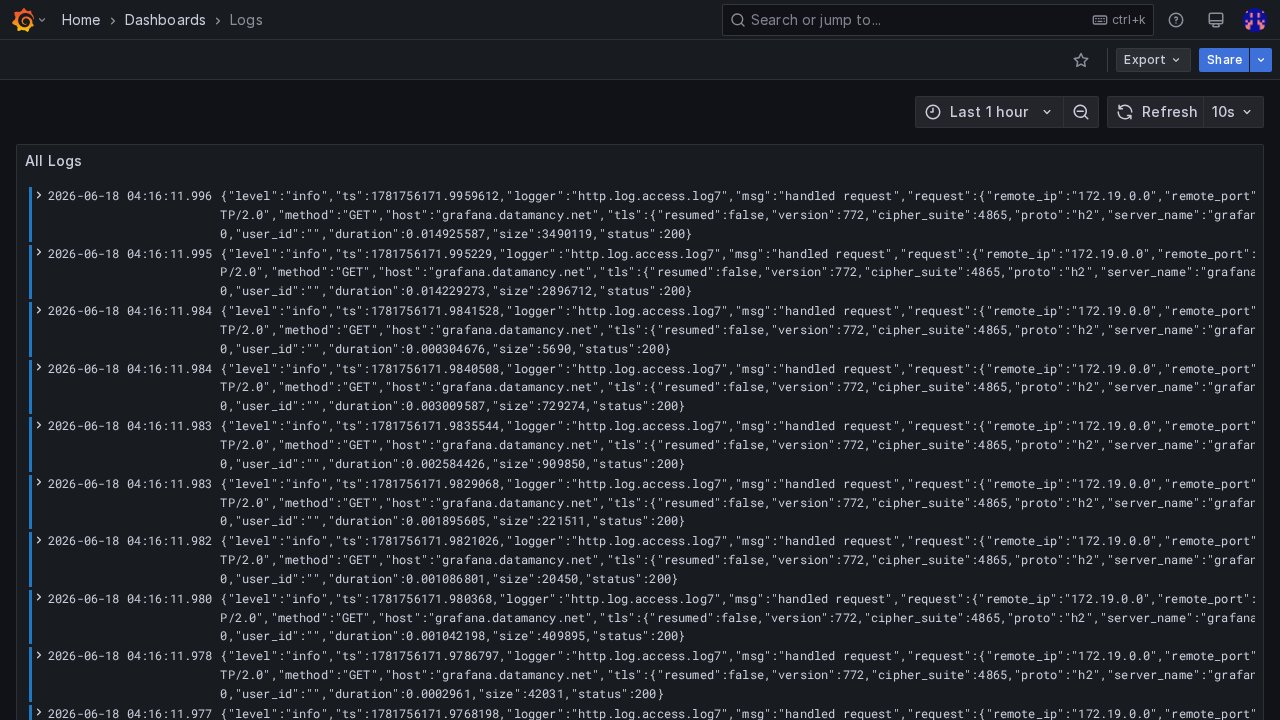
Dashboards for service and operational visibility.
Authenticated logs dashboard for operational visibility.
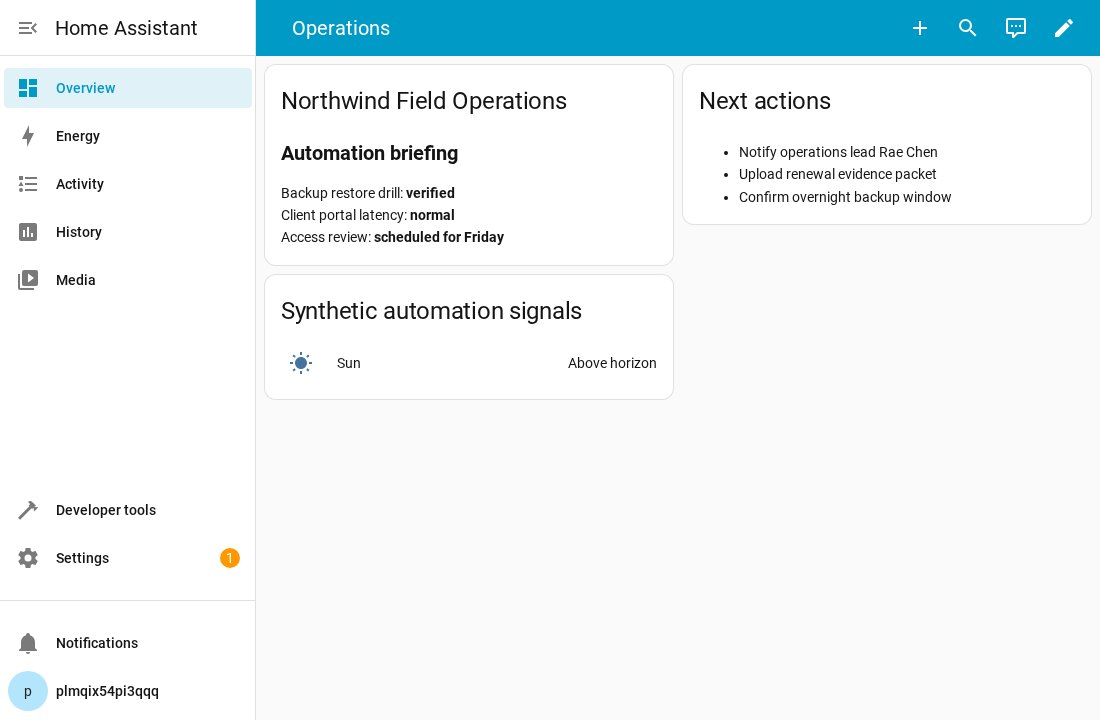
Automation and environment control.
Authenticated Home Assistant dashboard surface.
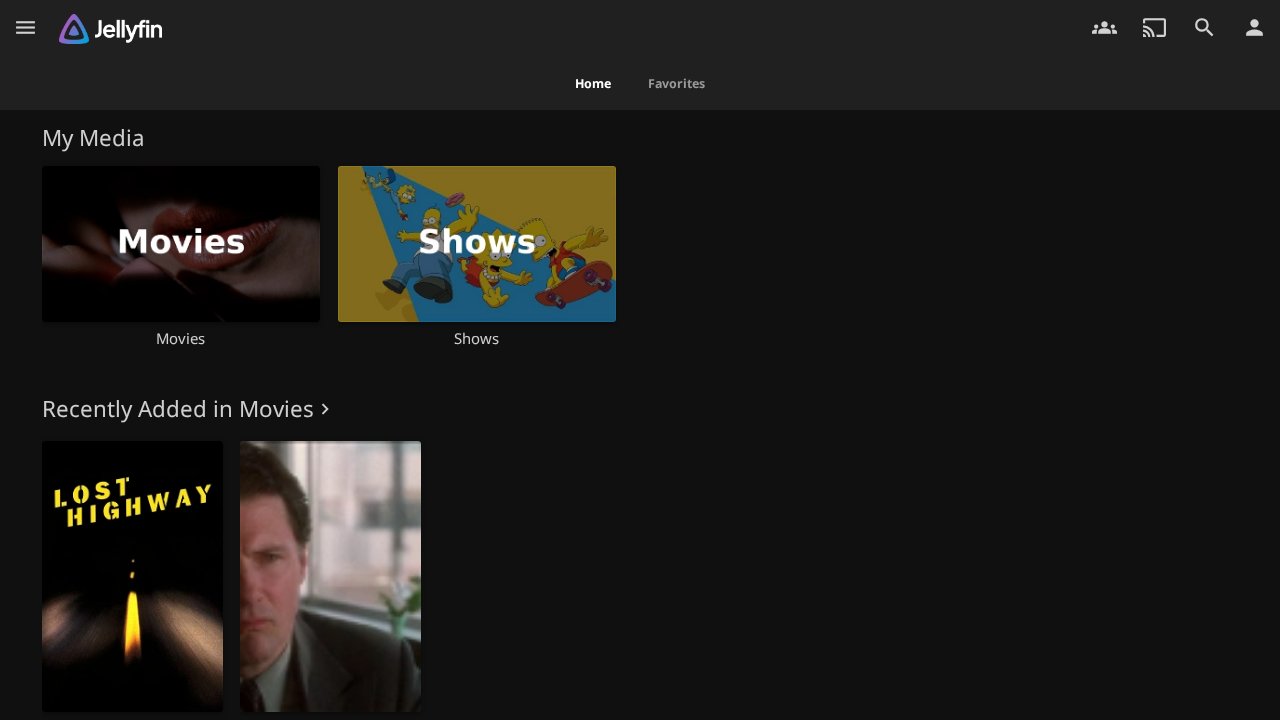
Private media service with controlled access.
Authenticated media library UI.
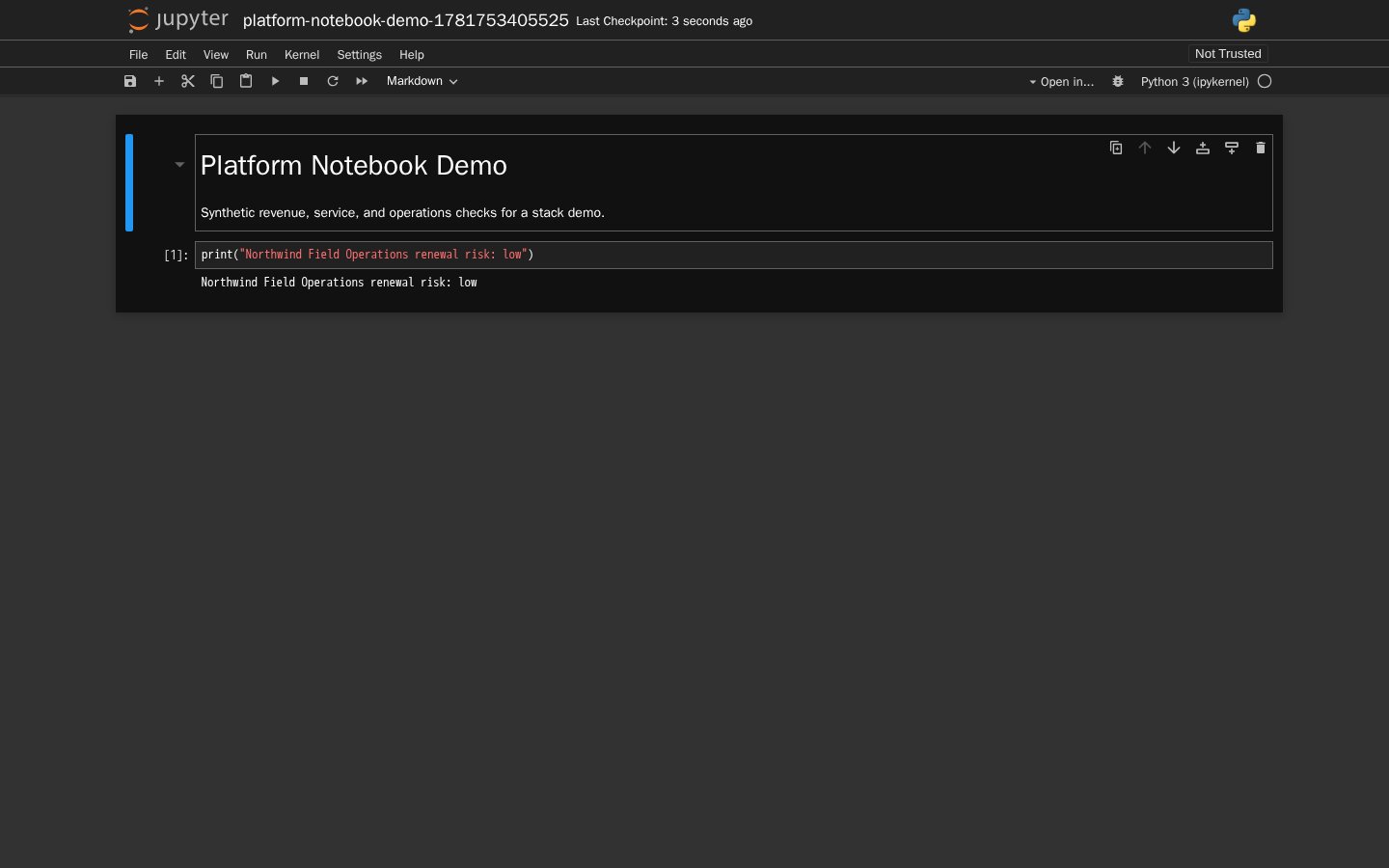
Notebook workspace for analysis and experiments.
Seeded notebook with synthetic operations data.
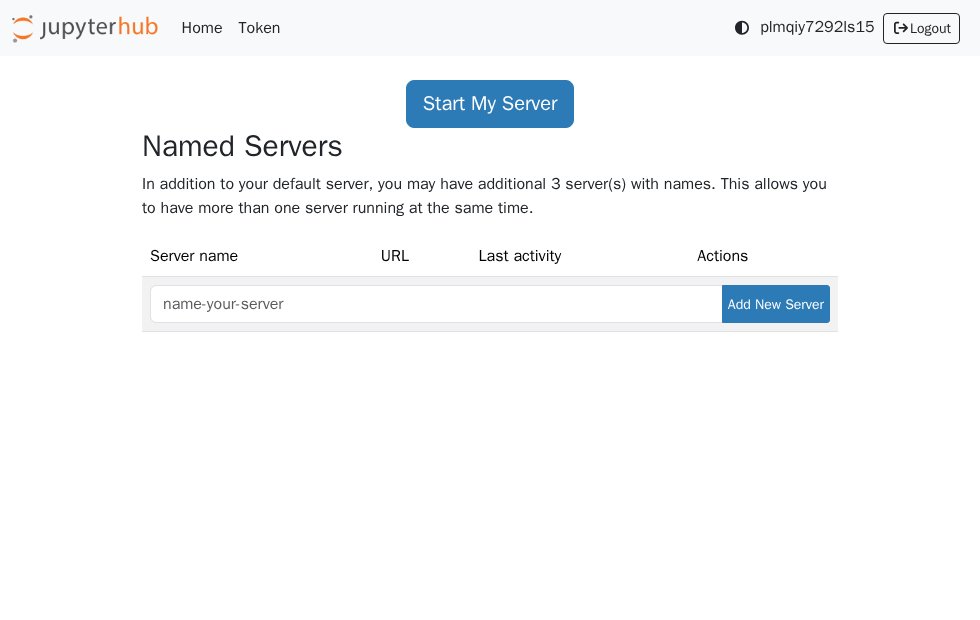
Shared notebook access for multiple users.
Authenticated shared notebook hub with named-server controls.
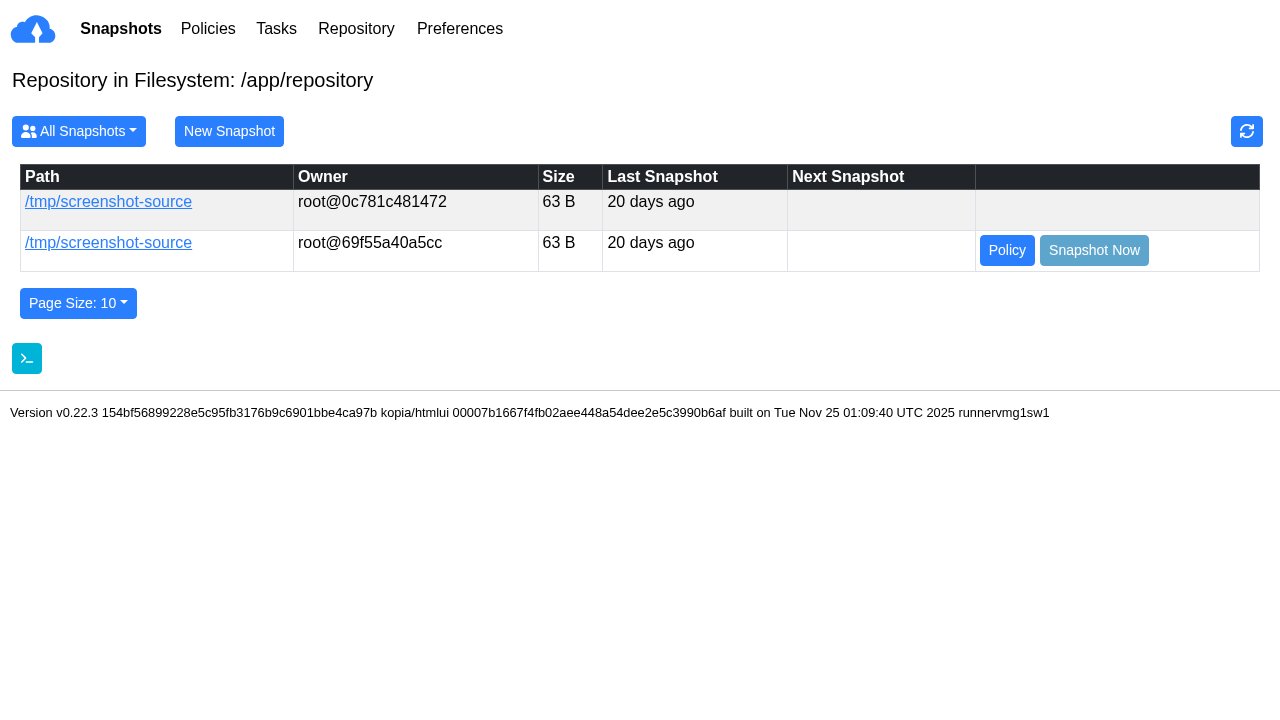
Backup management and retention visibility.
Authenticated backup repository view with snapshot state.
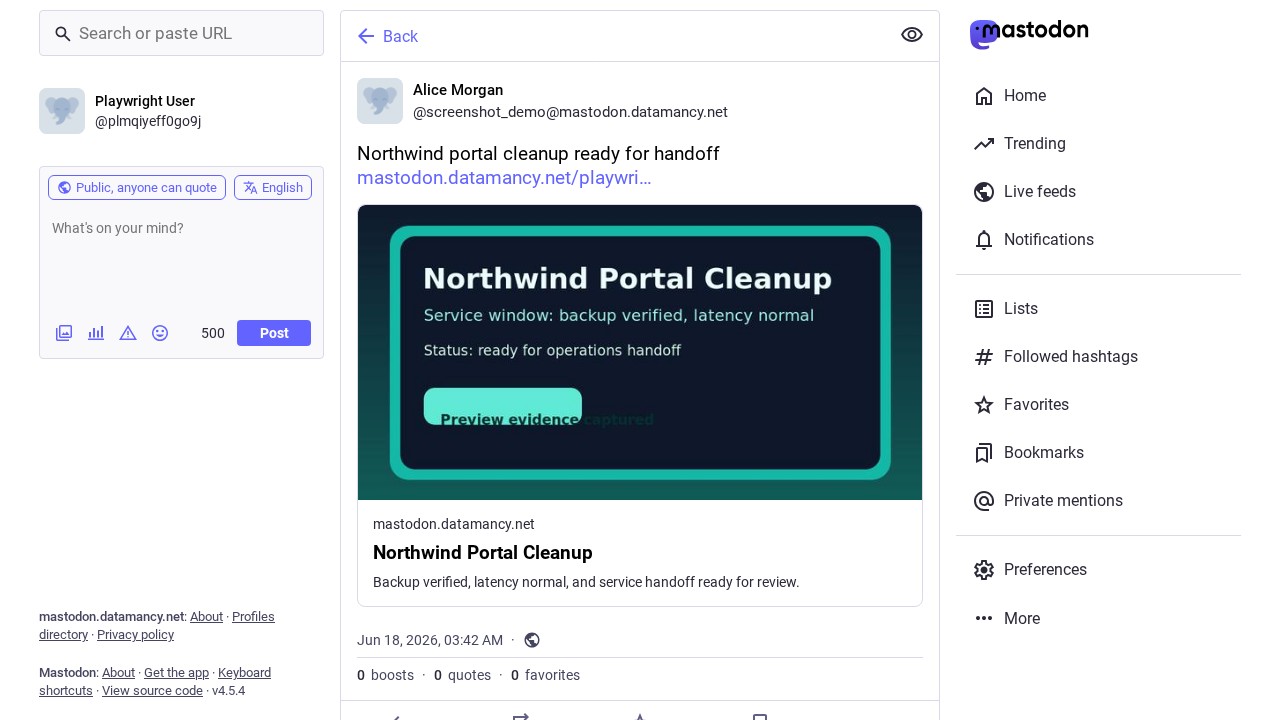
Federated social publishing and community presence.
Federated preview-card rendering capture.
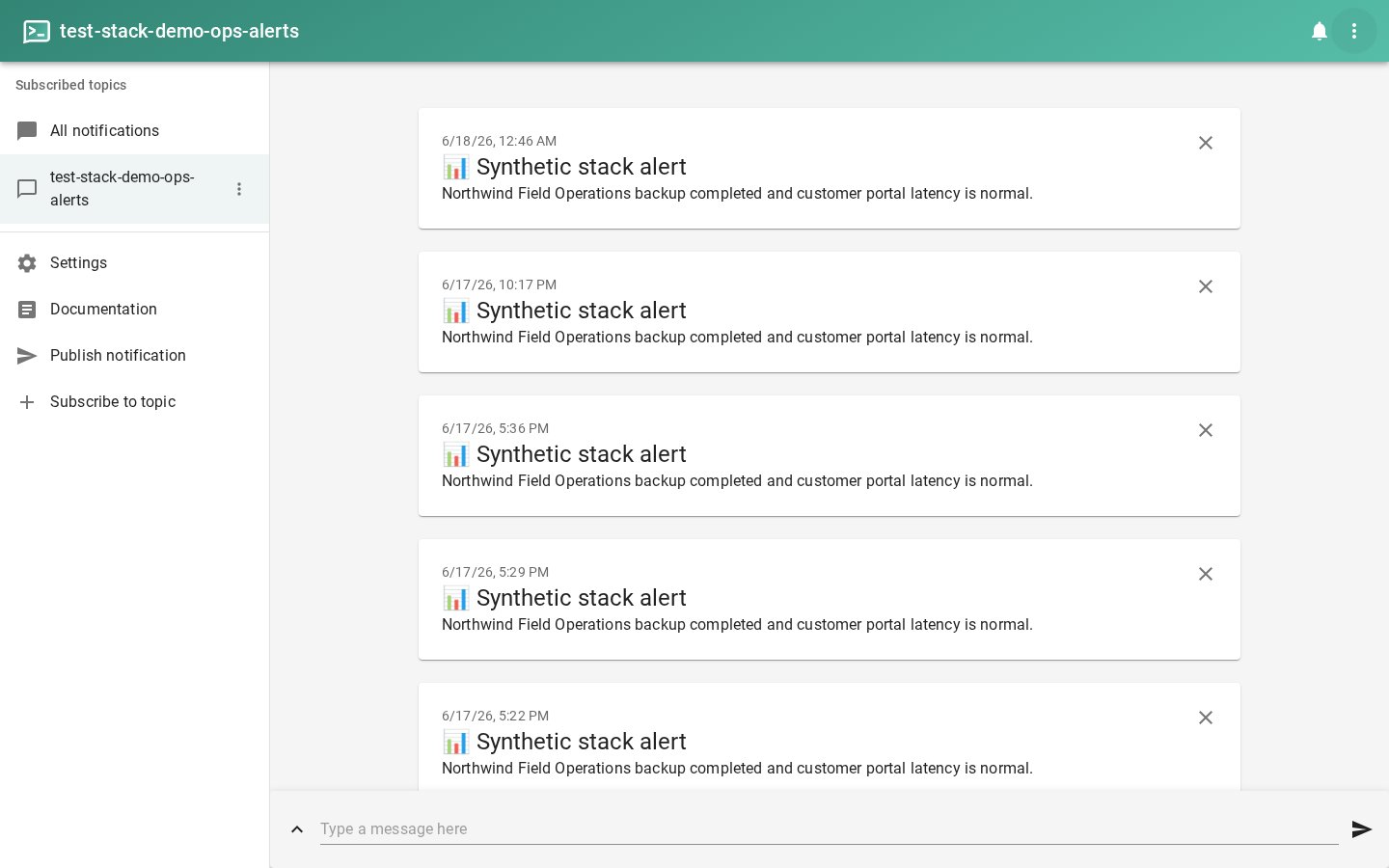
Notification topics for operational alerts and messages.
Seeded operational alert topic.
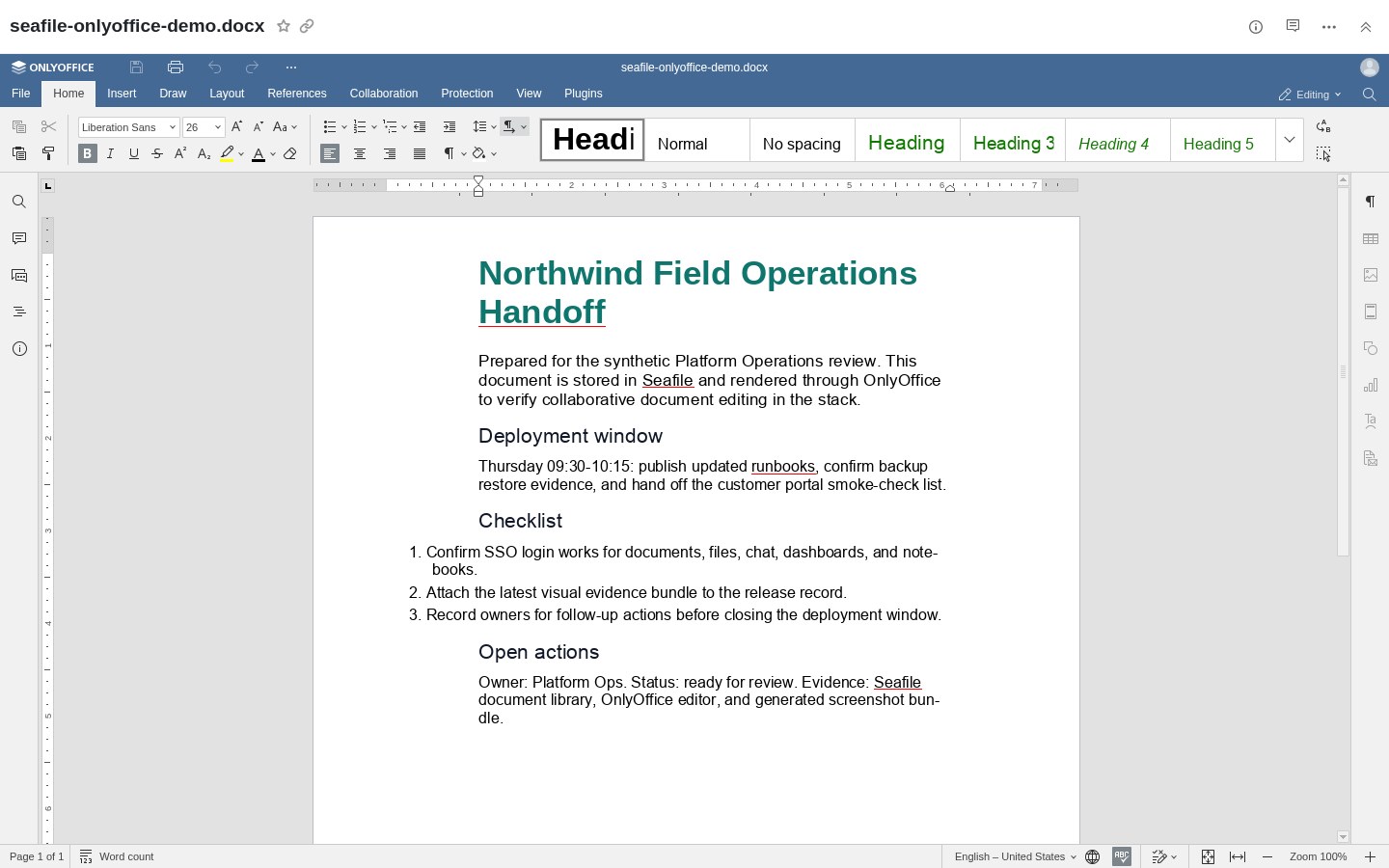
Document editing integrated with stack storage.
Document editor integration capture.
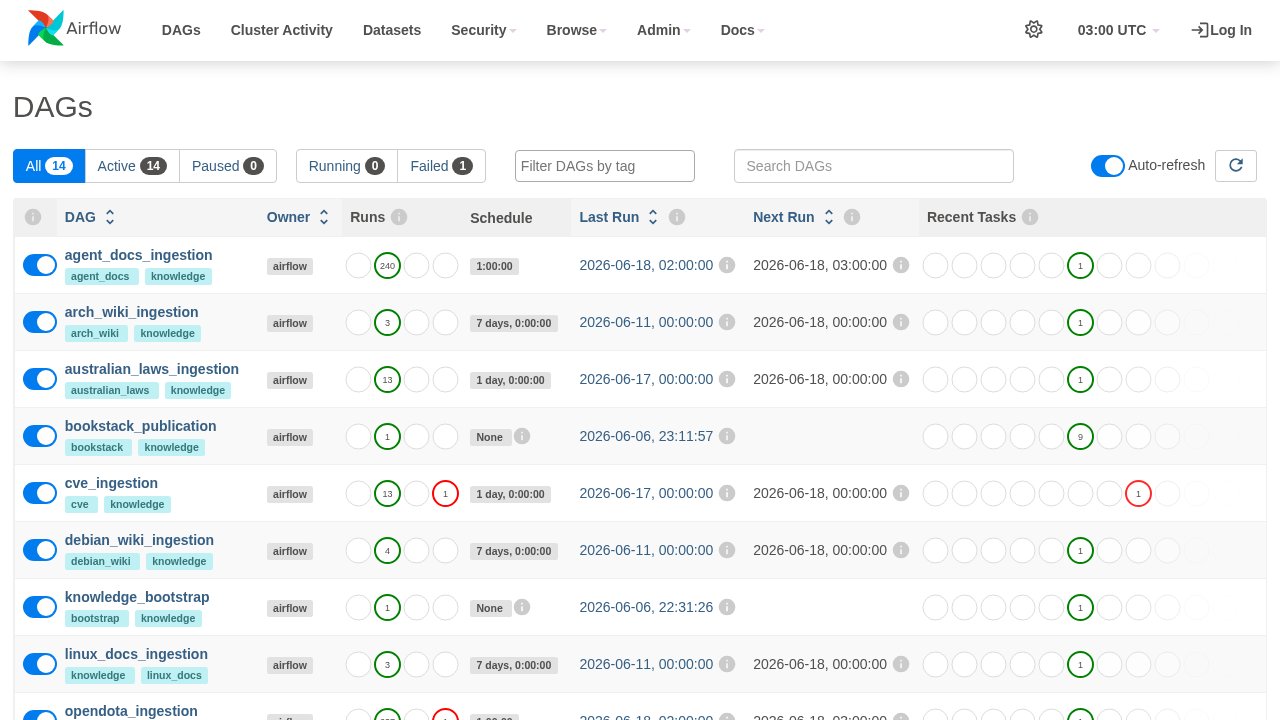
Ingestion, processing, and publication workflow services.
Authenticated pipeline monitor.
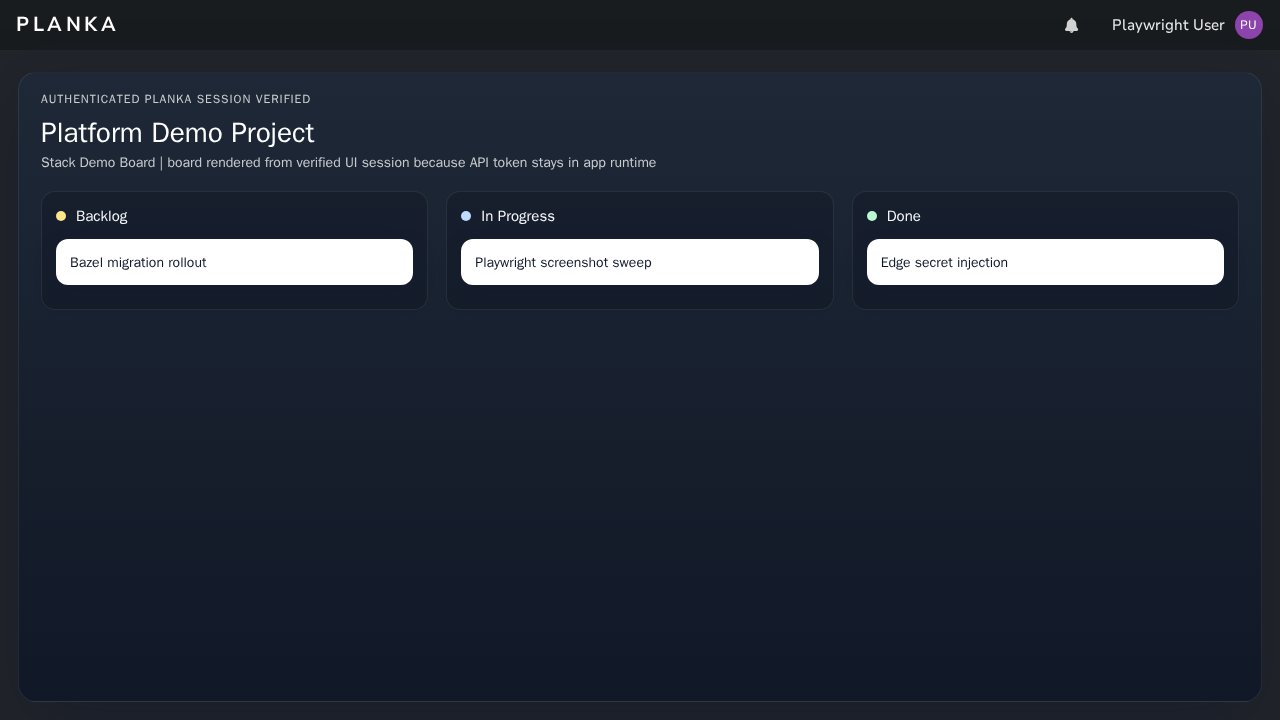
Kanban planning and lightweight project boards.
OIDC-authenticated board UI.
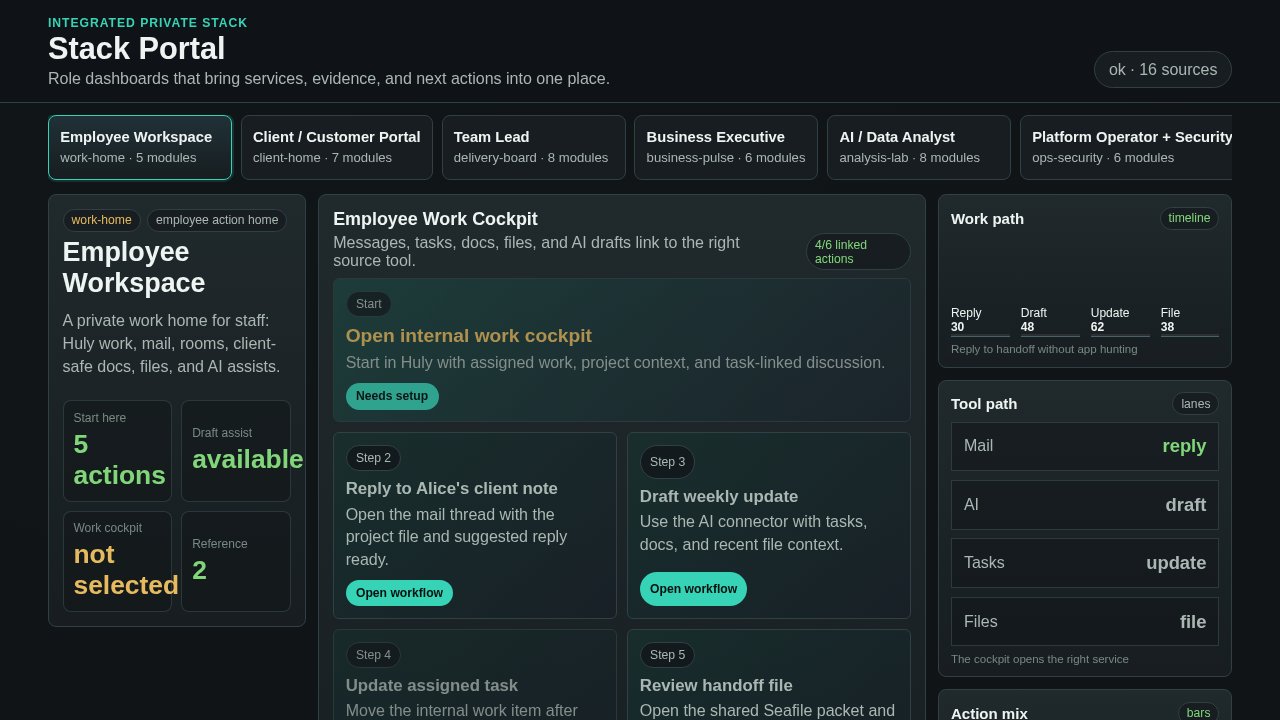
Service directory and business-facing stack entry point.
Authenticated service portal.
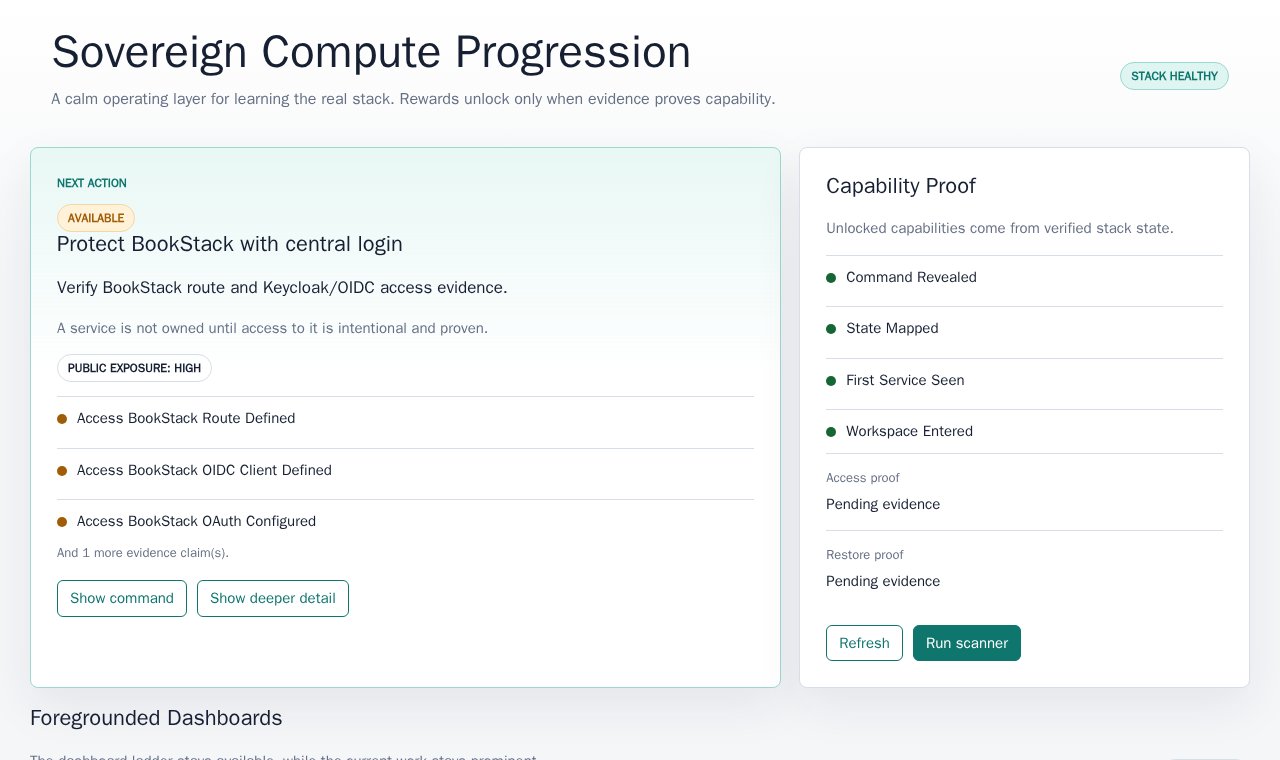
Progress dashboard and operational task tracking.
Authenticated progression dashboard.
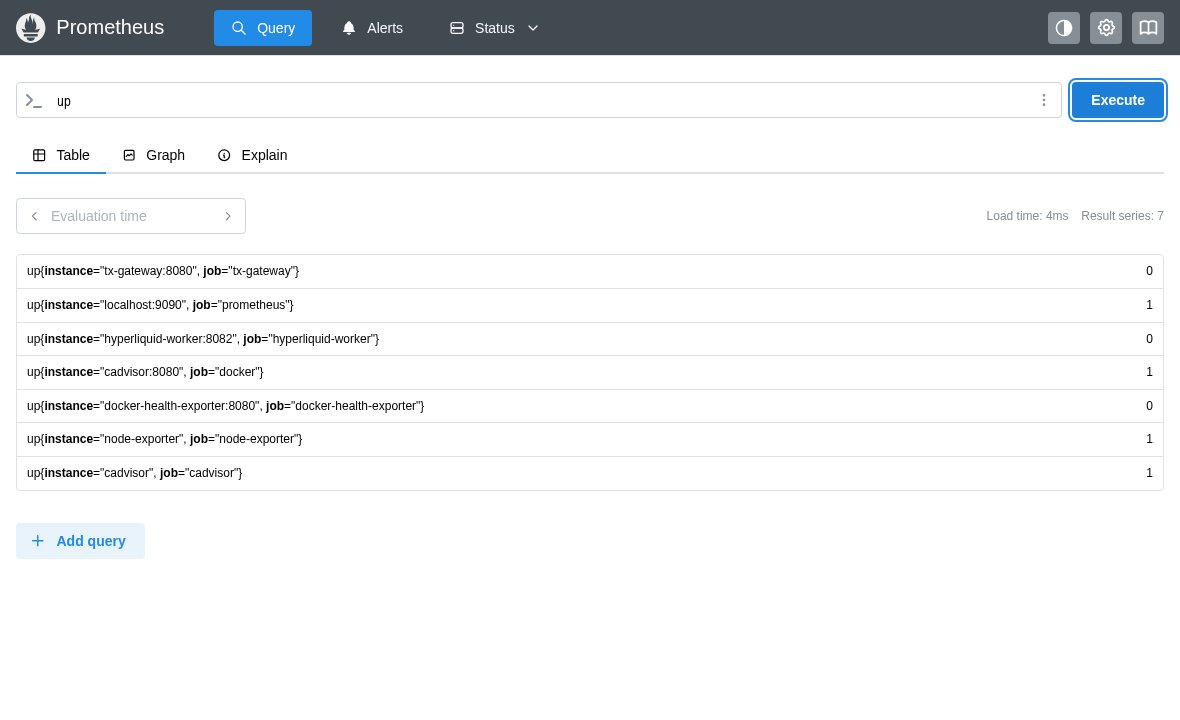
Metrics collection and query surface.
Populated Prometheus query result.
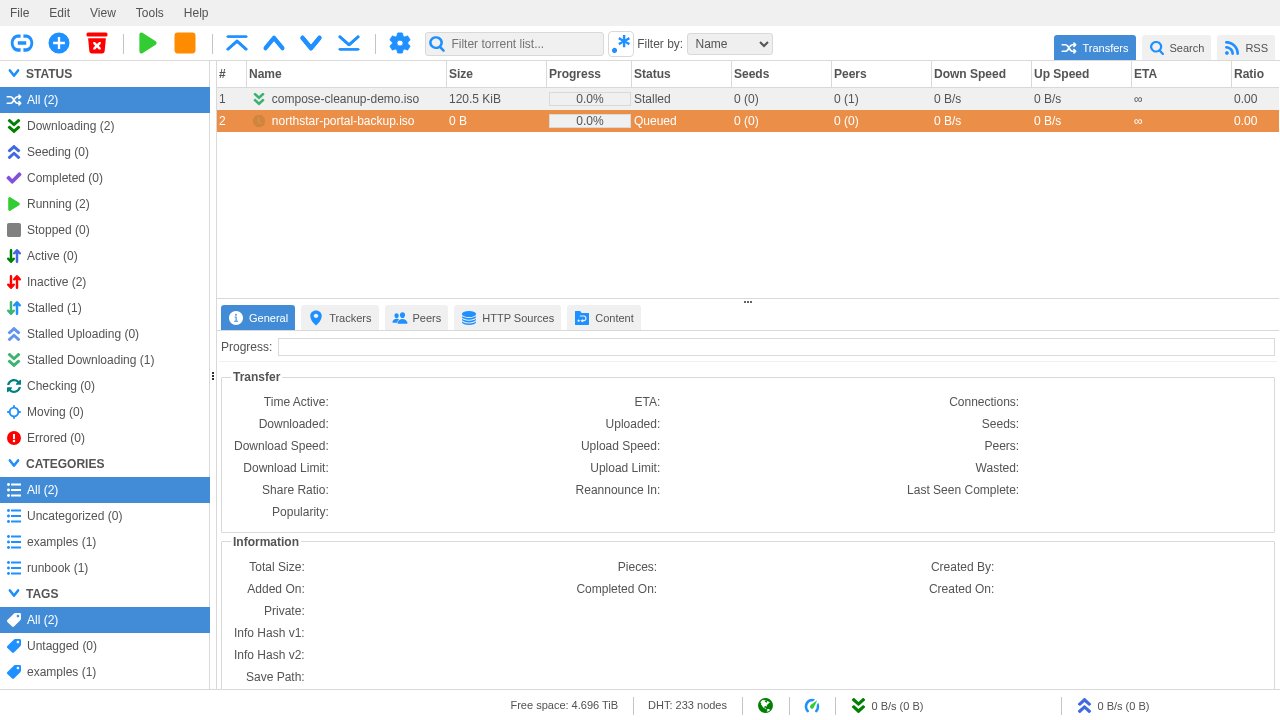
Private download management where appropriate.
Seeded paused transfer table with synthetic runbook artefact.
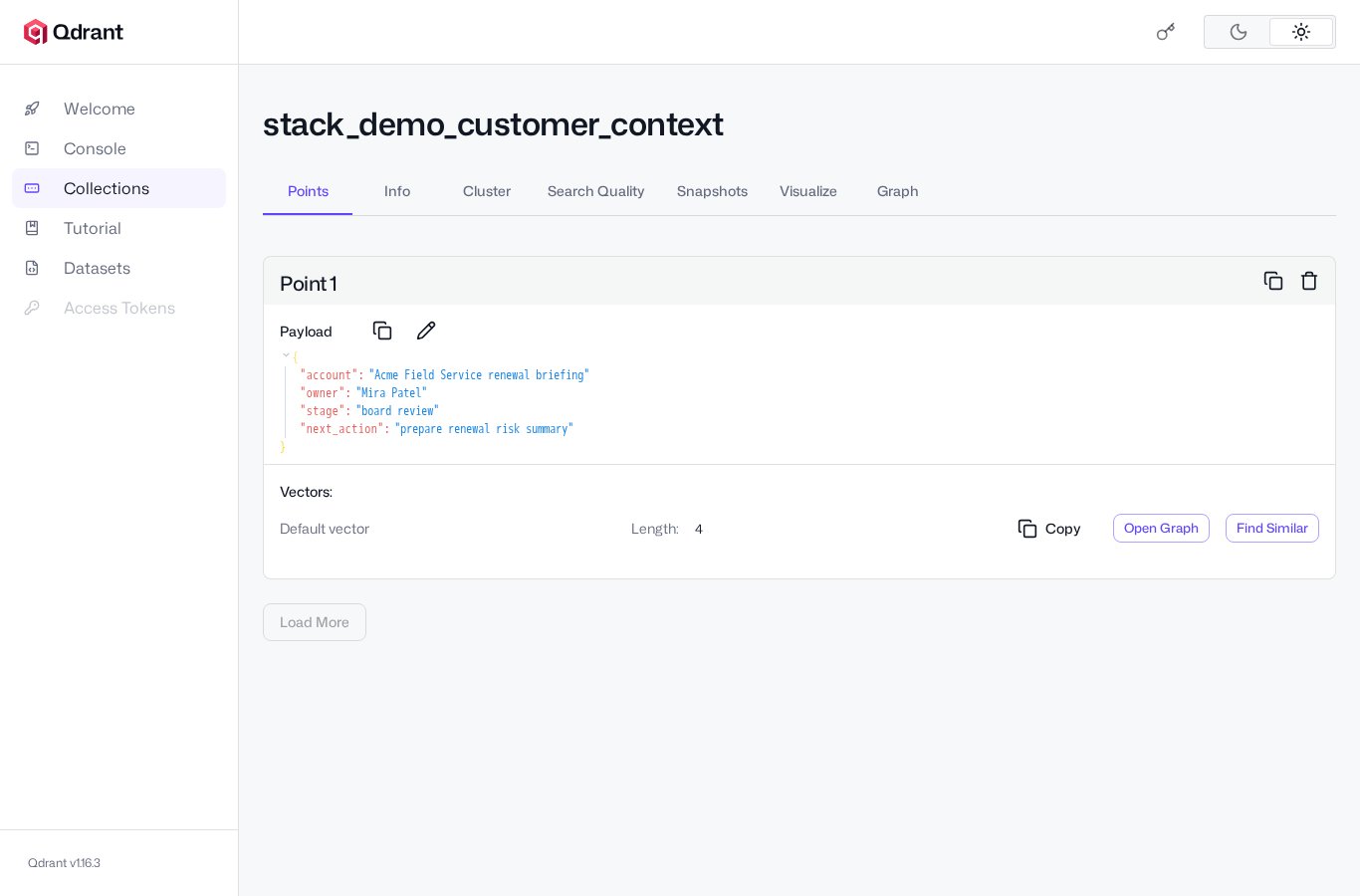
Vector database dashboard for search and model-context workflows.
Seeded vector collection dashboard.
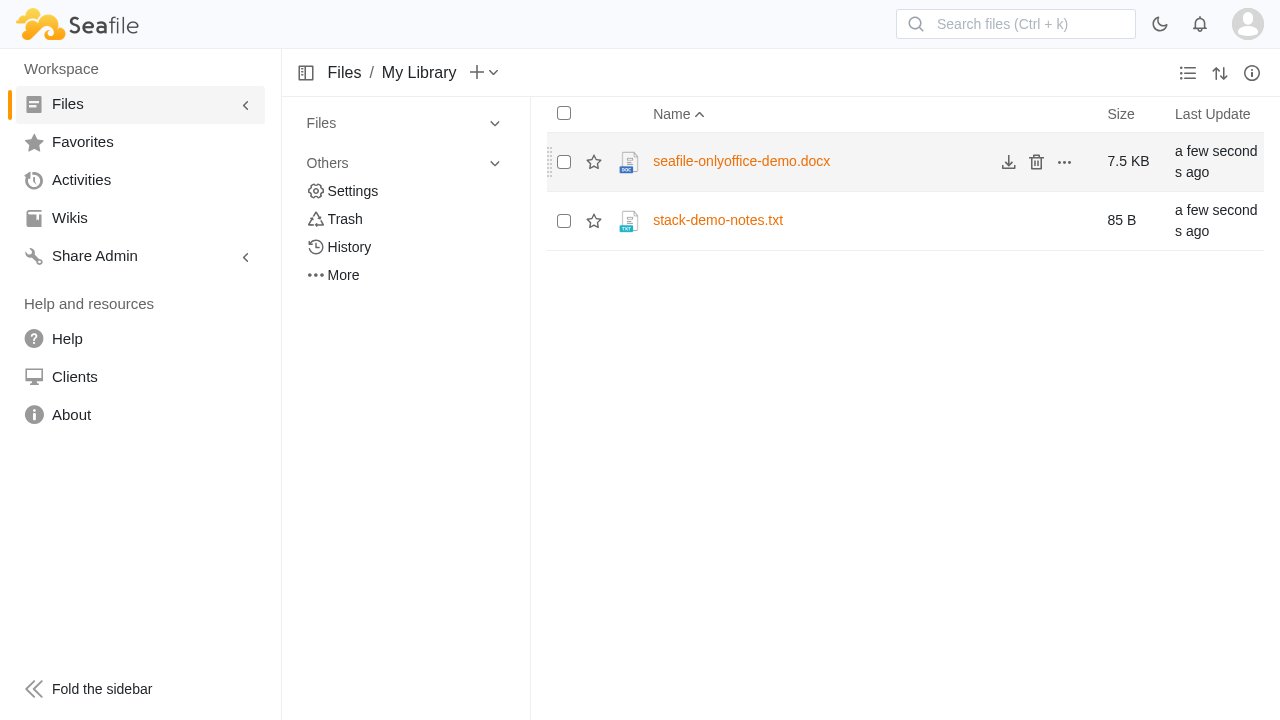
Private file storage and sharing.
Authenticated file library capture.
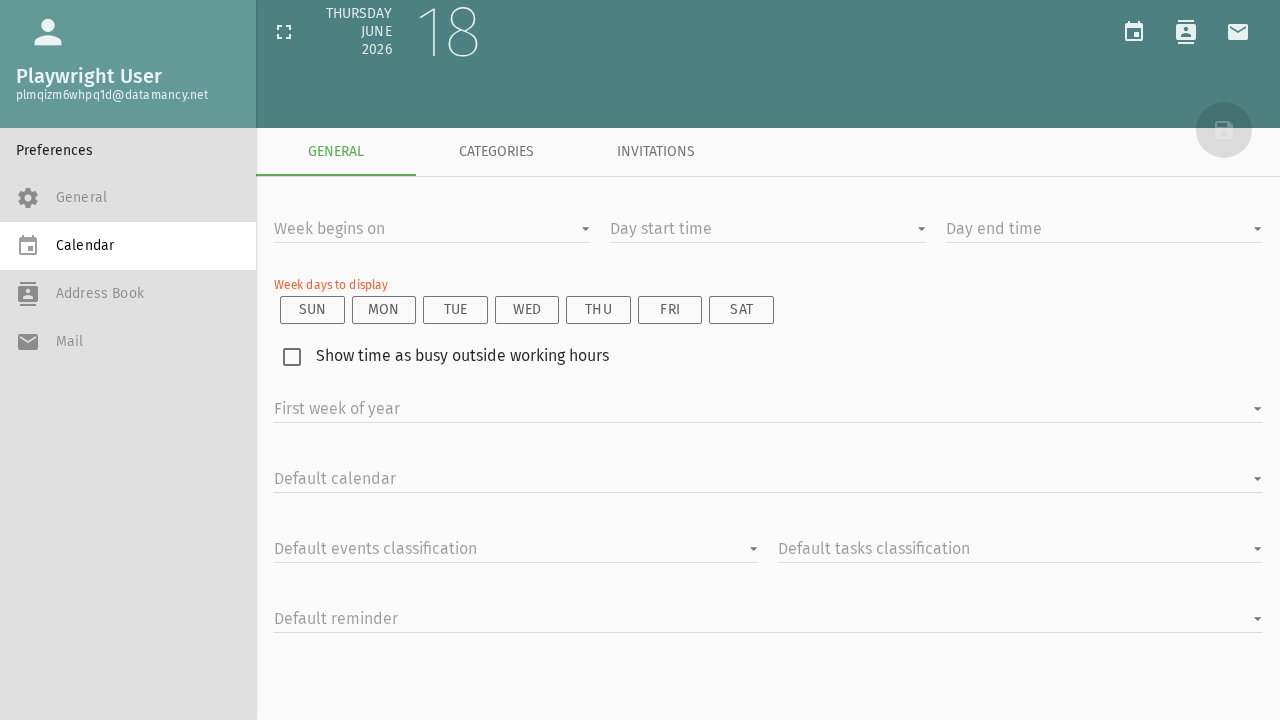
Groupware, calendar, contacts, and mail web access.
Authenticated calendar/preferences groupware surface.
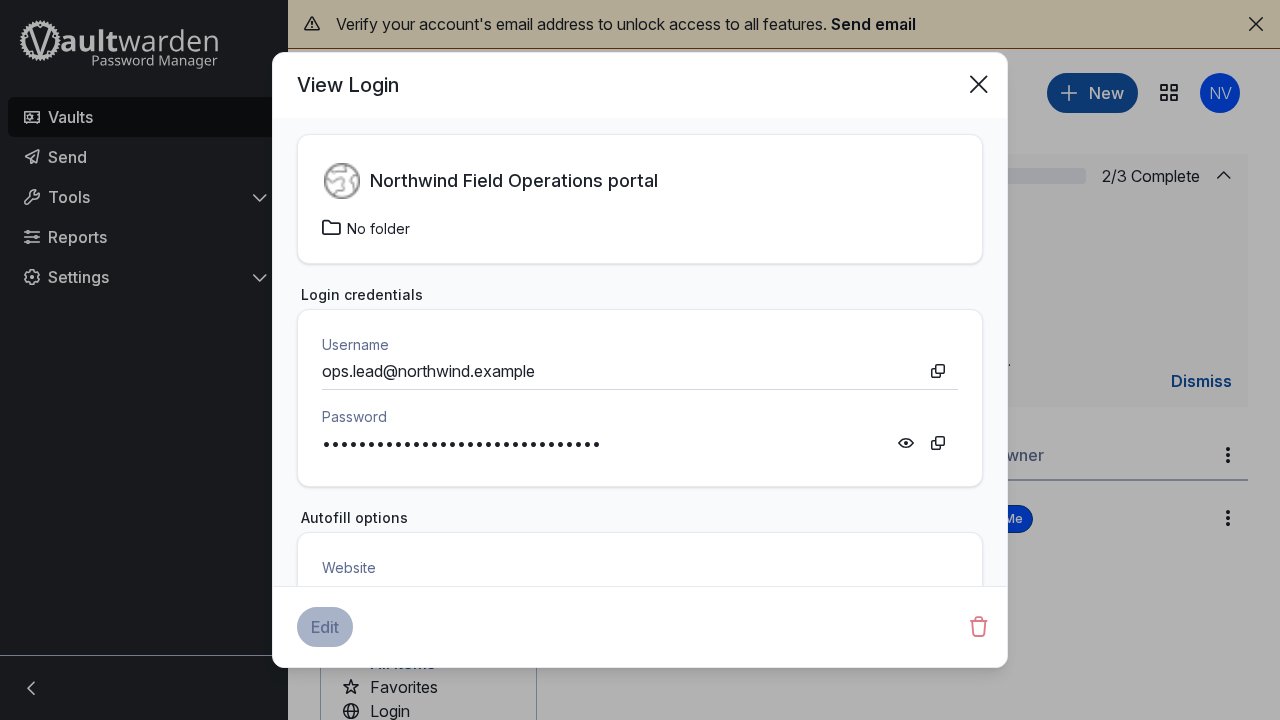
Password and secret sharing for controlled teams.
Authenticated Vaultwarden enrollment/vault flow.
How to shape it
List the roles, workflows, data boundaries, and tools that should live inside the private suite.
Select the services that create the operating surface: knowledge, files, chat, dashboards, notebooks, automation, monitoring, and specialist tools.
Use the repo, docs, module contracts, manifests, and scripts when someone needs to inspect how the suite is generated.
Keep the stack tied to source, configs, locks, docs, screenshots, and verification so the suite stays legible as it grows.
Best fit
Technical reviewers
The screenshots show the breadth of the suite. The repo shows whether the generator, module contracts, build entry point, deployment contract, and verification flow are real.
Review the source of the generator, build entry point, docs, schemas, and deployment contract.
Docs Architecture notesSend technical stakeholders directly to the docs for implementation detail.
Modules Module contractsInspect how deployable overlays, private modules, and site-specific locks fit the platform model.
Next step
The next step is a short stack brief: who uses the suite, what work it should contain, which modules matter first, what stays outside, and who reviews the technical proof.
After that, the review is concrete: choose the first module set, identify private module work, keep external tools where they make sense, and send the technical reviewer to the repo.